Hi there! My name is Sue Waters.
Who Am I?
I’m based in Perth, Western Australia and my passion is helping educators using technology to enhance student learning.
From 2008 until August, 2023 I worked as a remote worker and was head of Sales and Support for Edublogs and CampusPress — part of Incsub which is also behind WPMU DEV
Those who know me online often assumed I was based in their time zone, USA time zone, or I’m a bot due to the flexible hours of my work.
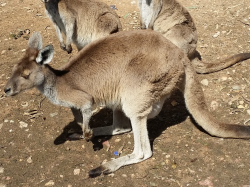

My work days were spent testing, supporting clients and users with their WordPress sites or networks, working with our support team, developers and sysadmins. I worked with educators across all educational sectors spread throughout the World which enables me to assist educators integrate technology to enhance student learning in ways that weren’t possible in my previous work role as an aquaculture lecturer.
My Blogging Story
I’ve blogged since 2007 and am passionate about blogging as it has been life-changing for me. As a result of blogging, I’ve changed how I learn, I’ve helped others make a difference in their life and changed my career.
What’s incredible with my blogging journey is I’ve battled writing and processing language my entire life. While my English teacher and I would agree that my expression continues to be rather odd at times — blogging helped me become a better writer.
It’s not perfect — and continues to be a work in progress — but I can’t imagine any of my English teachers or I would ever thought that one day I would be paid to write.
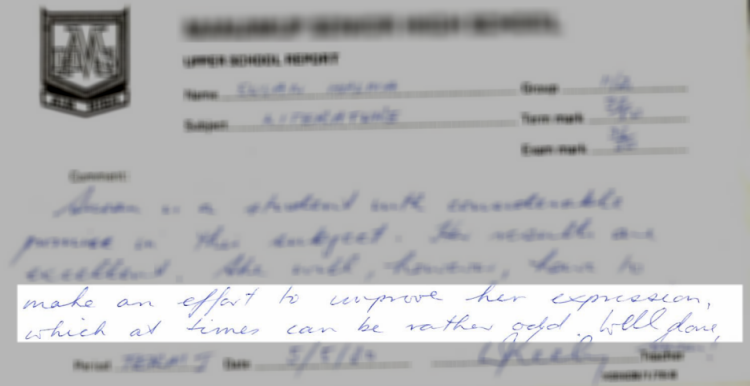
My personal blog is where I share technology tips and my personal interests like my family history or my reading challenges. Most of my former work related stuff is on The Edublogger, the Teacher Challenge, the Edublogs User Guide and CampusPress Support.
As a blogger I stands for — practical application of technologies in education, and most importantly HELPING OTHERS learn how to use these technologies.
You can read more about my blogging story here!
My Interests
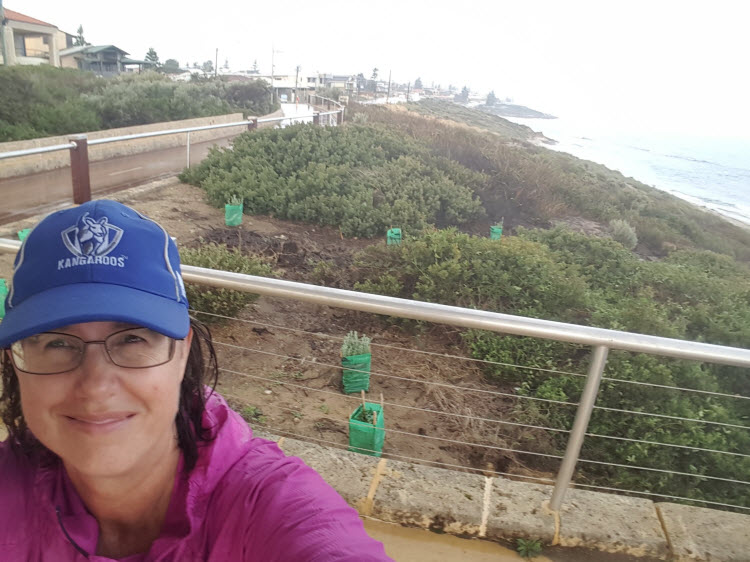
My favorite ways of relaxing are spent exploring my City with my family and friends on hikes and walks.
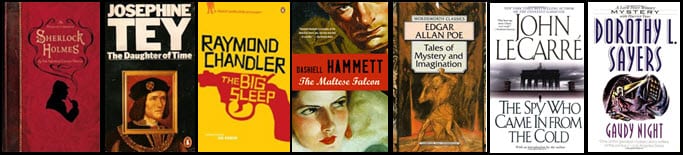
I relax by reading for pleasure and have created my own ‘100+ Crime and Mystery Novels of all time’ which I worked my way through – I also wrote reviews of each author I’ve read .
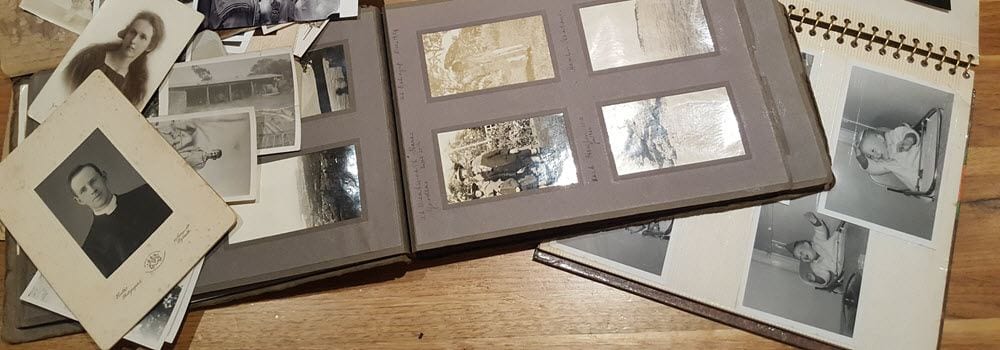
I’ve also been busy documenting and digitizing 100’s of family photos and documents to share with future generations. It’s a huge and ongoing task – but very rewarding learning about my ancestors.
You can check out my progress here!
 Sue Waters